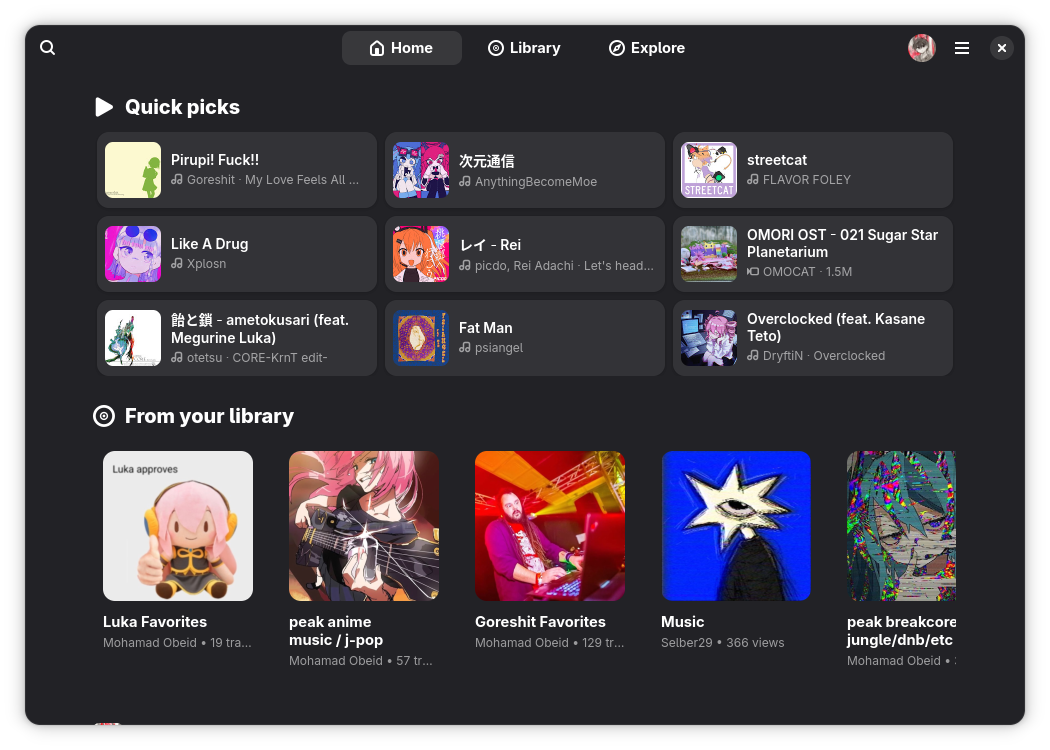
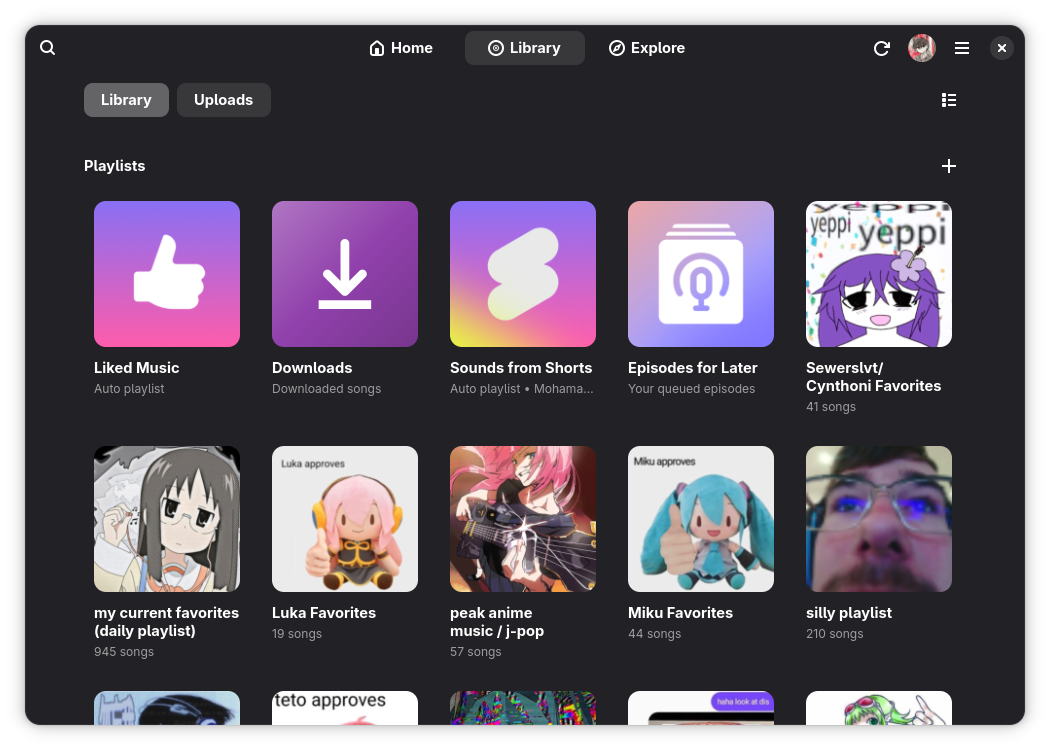
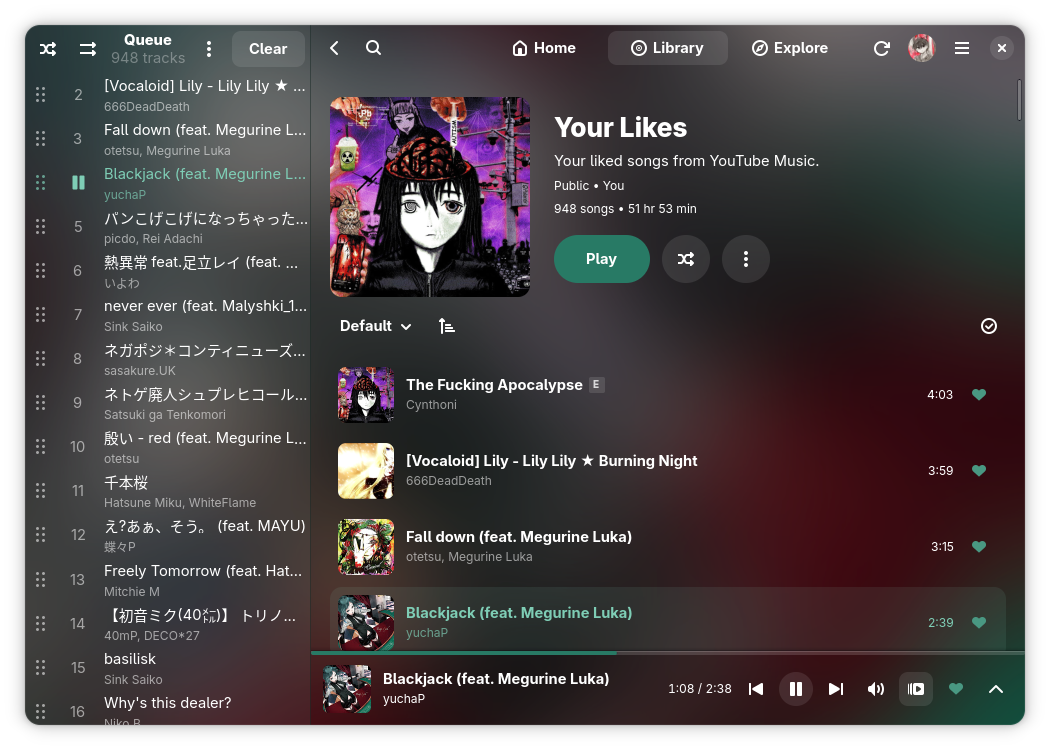
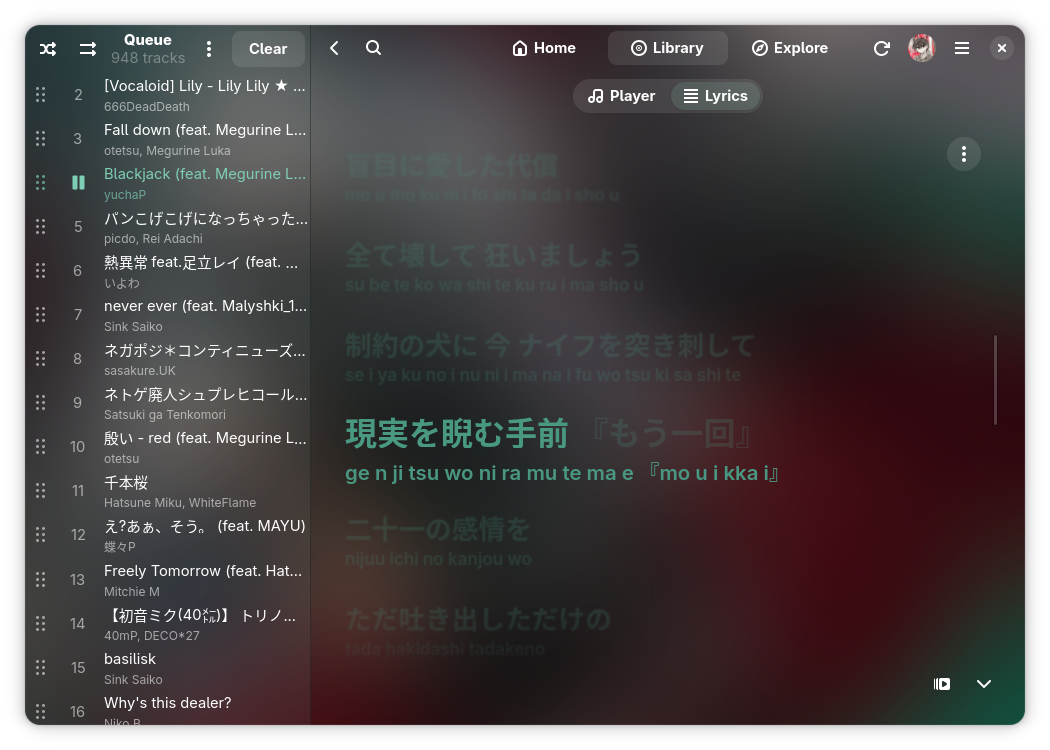
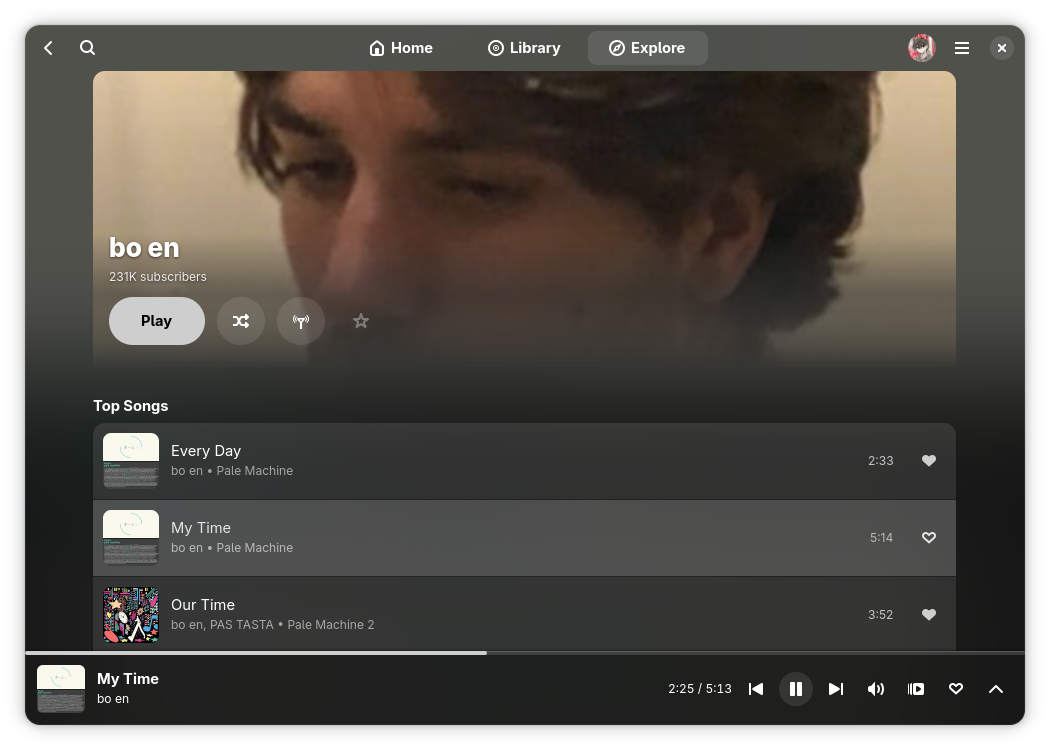
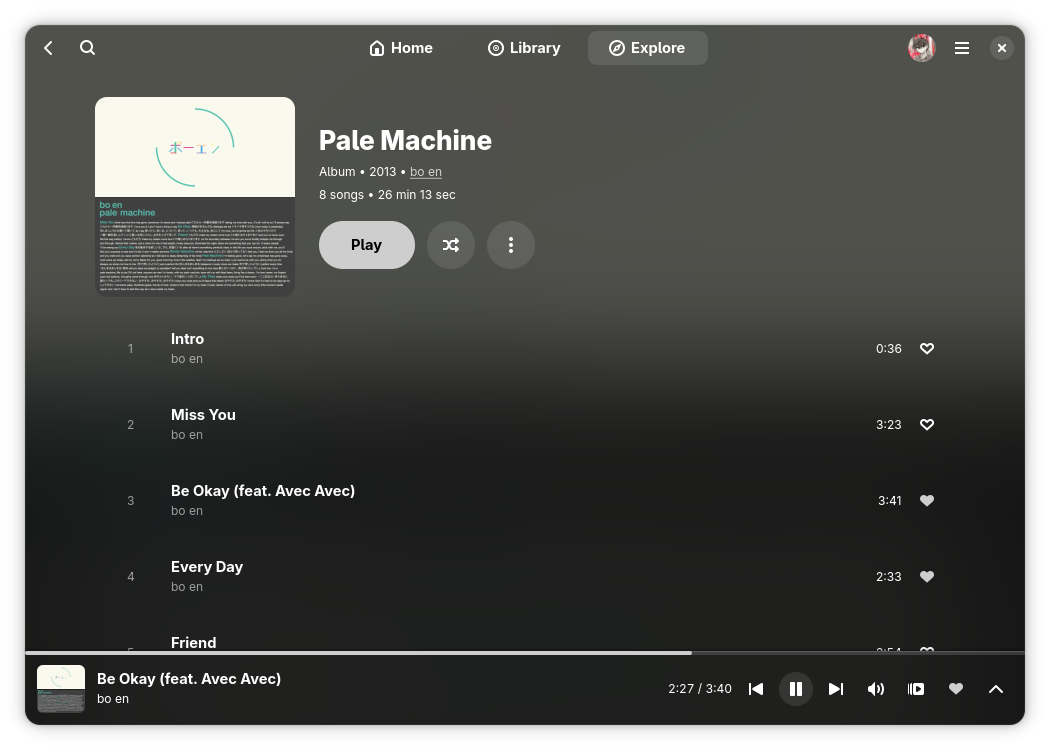
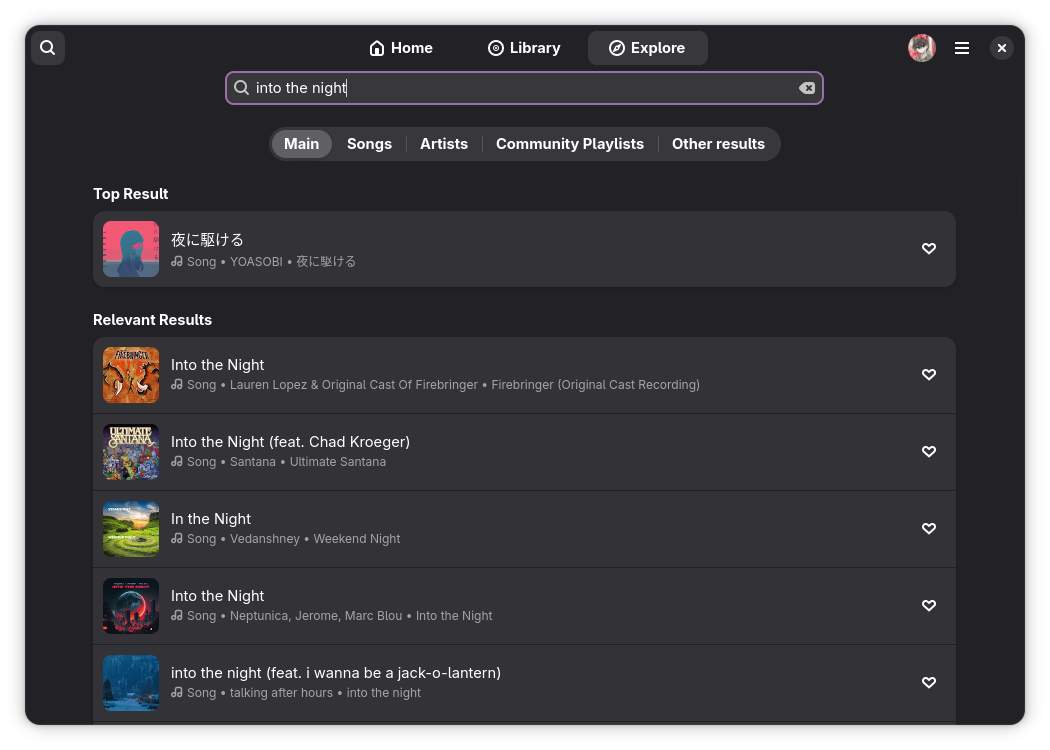
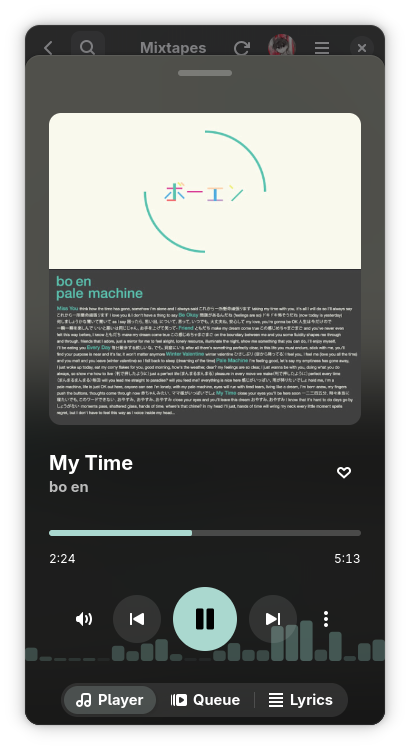
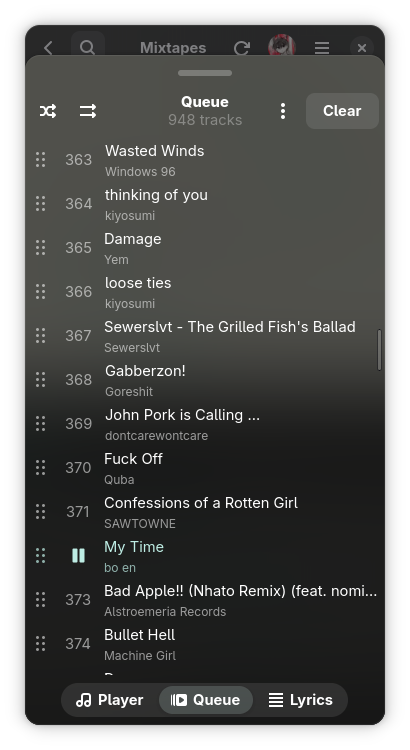
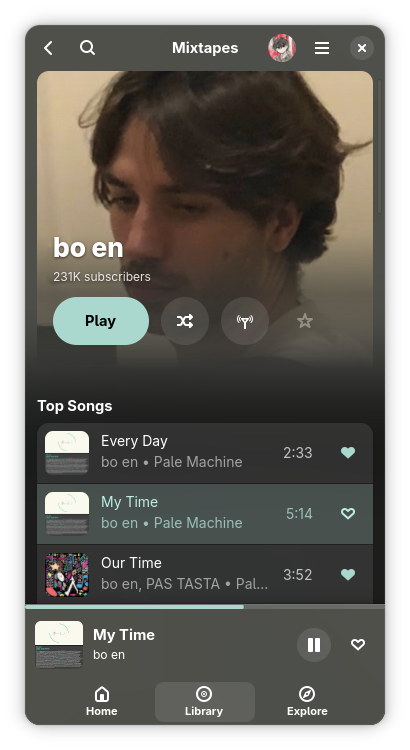
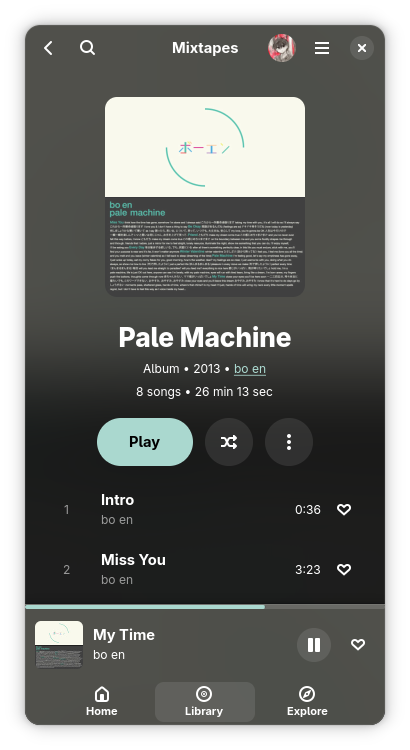
A modern, Linux-first YouTube Music player built with GTK4 and Libadwaita.
formerly known as Muse
Note
This software is in alpha. Expect bugs and missing features.
It is not affiliated with, funded, authorized, endorsed, or in any way associated with YouTube, Google LLC or any of their affiliates and subsidiaries.
Help is always appreciated through donations or contributions - feel free to open an issue or a pull request!
Get the installer from the
latest Windows build,
or the portable folder from the same CI run. The installer adds the Microsoft
Edge WebView2 Runtime, which the sign-in page needs, where Windows lacks it
(Windows 10 LTSC, for one).
AUR (Arch Linux)
yay -S mixtapes-git
Warning
If you are using CachyOS, you will also need to reinstall webkitgtk-6.0 from the Arch 'extra' repo, not the CachyOS repo:
sudo pacman -S extra/webkitgtk-6.0
Nix
Warning
This is not extensively tested, if there are any issues to fix, please open a PR!
nix run github:m-obeid/Mixtapes       # run directly from GitHub
nix run                               # run from local checkout
nix develop                           # enter dev shell
From Source
Note
Mixtapes is written in Rust. The original Python app was retired once the port reached feature parity.
ARCHITECTURE.md describes how it is put together.
The build needs Rust 1.85 or newer, GTK 4.18, libadwaita 1.8 and GStreamer 1.24.
On Debian/Ubuntu, consider the Flatpak to avoid outdated packages.
git clone https://github.com/m-obeid/Mixtapes.git
cd Mixtapes
cargo build --release
./target/release/mixtapes
Note
What the helper programs are for. Most songs play through YouTube's
player endpoint directly and need none of them. yt-dlp (with nodejs) is
the fallback for what that endpoint declines, such as your uploaded songs,
and it does the downloads, with ffmpeg converting formats.
The tokens uploads need are minted inside the app (the rustypipe-botguard
crate, which runs YouTube's BotGuard in an embedded V8). A clean build
downloads a prebuilt V8 library of about 28 MB from GitHub once. If that
download stalls, fetch the file yourself and point the build at it:
Nothing to do here for a normal build. This section explains where the key comes from.
Last.fm requires every client to ship its own API key. ListenBrainz needs no app credentials and works out of the box.
The key and secret live in EMBEDDED_LASTFM_API_KEY and EMBEDDED_LASTFM_API_SECRET at the top of src/scrobbler.rs, and they are committed on purpose. The AUR package builds from a git clone on the user's own machine, and a Flathub build runs on Flathub's infrastructure, so neither one receives a secret from CI. A credential shipped inside a desktop client is extractable from the binary no matter how it got there, so injecting it at build time would protect nothing while leaving AUR and Flathub users without Last.fm.
To build against your own Last.fm app, register one at last.fm/api/account/create, then either replace the two constants or set these before launching:
The environment variables are read when the app starts, not when it is compiled. Exporting them during makepkg or flatpak-builder has no effect on the resulting package.
With no credentials the Last.fm row in Preferences stays disabled and says so. ListenBrainz is unaffected.
Authentication
Mixtapes asks on first launch whether to sign in. The sign-in window is Google's own page. Once you are signed in, Mixtapes keeps its own copy of the session and clears the window's cookies.
Skip it and Mixtapes remembers. Playlists, likes, artist subscriptions and listening history then live on this device, and Home builds shelves from what you play. Sign in any time from the main menu.
Brand accounts: if your library lives on a channel of your Google account, pick it under Preferences, General, Account.
Sign out from the main menu or Preferences. Reset Mixtapes under Preferences, Advanced signs out and runs the setup again.
The session is stored in headers_auth.json in the data folder (~/.local/share/muse, or ~/.var/app/com.pocoguy.Muse/data/muse for the Flatpak). Treat it like a password.
Opening Links
Mixtapes opens YouTube and YouTube Music links. Songs play, and playlists, albums and artists open their page.
Paste a link into the search field.
Run mixtapes <link>. A running Mixtapes takes the link.
Open a mixtapes://open?url=<link> link. Mixtapes registers the mixtapes:// scheme, so any app or browser hands these over.
To open YouTube Music pages from your browser, install the Open in Mixtapes userscript with Violentmonkey or Tampermonkey. A song, playlist, album or artist page you open in the browser goes straight to Mixtapes. Browsing within the site stays in the browser, and an "Open in Mixtapes" button hands over the page you are on. The script's menu switches the automatic handover off. The browser asks once before it lets a page open Mixtapes.
Your desktop sends every https:// link to the browser and has no way to hand one site to another app, so links clicked outside the browser still open there first.
Roadmap
Status
Feature
Details
Authentication
Built-in Google sign-in page — Optional: skip it and use the app without an account, Brand account channels
Library
Playlists, Liked songs, Artists, Albums, Uploads (browse, upload, delete), Playlists and likes on this device when signed out
Search
Songs, videos, albums, artists, playlists and podcasts, plus offline search of downloads
Exploration
Home page with Quick picks, New Releases, Moods & Moments, Genres, Trending, Charts
Artist Page
Basic info, Related artists, Top tracks, Albums, Singles/EPs, Videos, Play, Shuffle, Subscribe/Unsubscribe